Before taking an iPhone puzzle somewhere without signal, download it, sort out any purchase access and try the part you want to play with Wi-Fi and mobile data off. Do that while you still have a connection available to fix anything missing.
We make Ringbloom, a ring-turning puzzle whose gameplay works offline. It keeps progress on your device, while downloading it and making or restoring a purchase need a connection. This guide uses those published product details as a worked example, alongside Apple’s support guidance. The screenshots are existing WeEvolve iPhone captures; we have not run a new offline or save-recovery test for this article.
1. Finish the download and open the game
Use your connection to install the game, then open it before you leave. Check the current listing for an explicit offline statement and any setup requirements. A game’s genre or a free download alone tells you little about what will be available without signal.
For Ringbloom, the current App Store description explicitly says gameplay works offline. Garden and the first five Flower Show Classes are free. Later Classes and the Champion Circuit are included in one permanent Complete Flower Show purchase, with no subscription.
Decide which content you want for the journey before disconnecting. There is no need to buy the later content to try Garden.
2. Check access while you can still restore it
If you have already bought Complete Flower Show but the app is not recognising it, use Restore Purchases while connected. The Ringbloom FAQ says to use the Apple Account that bought it. Apple’s purchase-restoration guidance also tells you to check that you are signed in to the same account if a restore does nothing or reports an error.
A restore can establish purchase access. Keep your saved play progress as a separate check.
3. Try the intended mode with both connections off
For a useful check, turn on Airplane Mode and make sure Wi-Fi is off too. Apple explains that Wi-Fi can be used in Airplane Mode, so seeing the plane icon alone does not establish that the phone is offline.
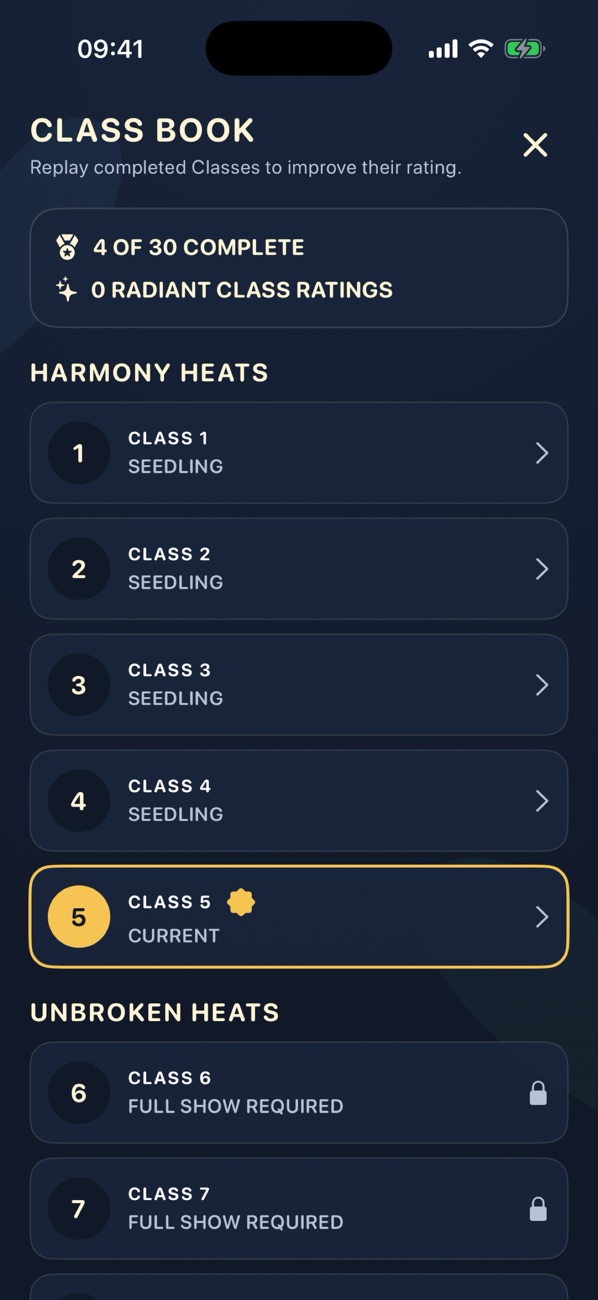
Open the game and enter the mode you intend to use. In Ringbloom, that could be Garden or a Flower Show Class you have reached. Try a few turns and read any message the app shows. This checks your installed version and current access on that phone; it does not prove that every future feature or purchase action works without a connection.
4. Return to your progress before packing away
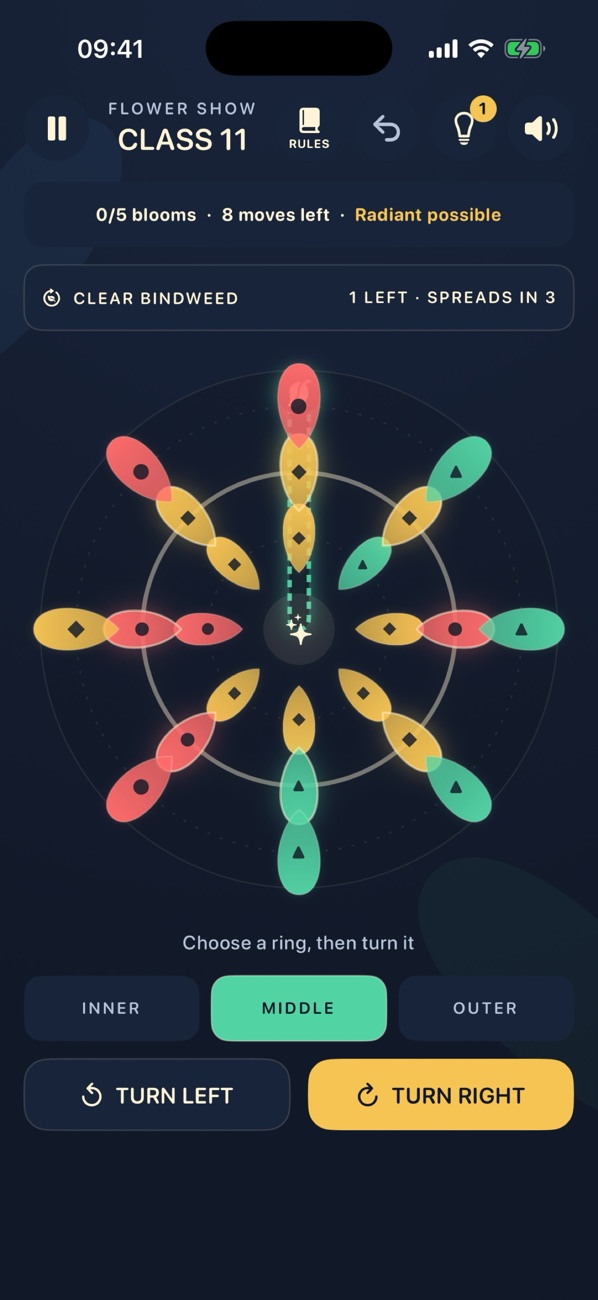
After your trial, leave the app and reopen it. Check the progress you expect to keep, such as completed Class ratings. Ringbloom’s product information says progress stays on your device; it does not promise cloud sync or transfer to another phone. An offline check on one iPhone cannot establish either of those features.
If access or progress looks wrong, reconnect and resolve it before relying on the game for your journey. Apple’s restore instructions concern purchases; do not assume restoring a purchase will also recover a particular game save.
Keep a short departure check
- The download is finished and the game opens.
- The content you want is accessible; any purchase or restore is complete.
- You have tried that content with mobile data and Wi-Fi off.
- Your expected progress is still there when you reopen the app.
For Ringbloom’s play choices, our mode guide explains Garden, Flower Show and the Class Book. To prepare a puzzle for your next journey, get Ringbloom and start with the free Garden.
Back to all guides →